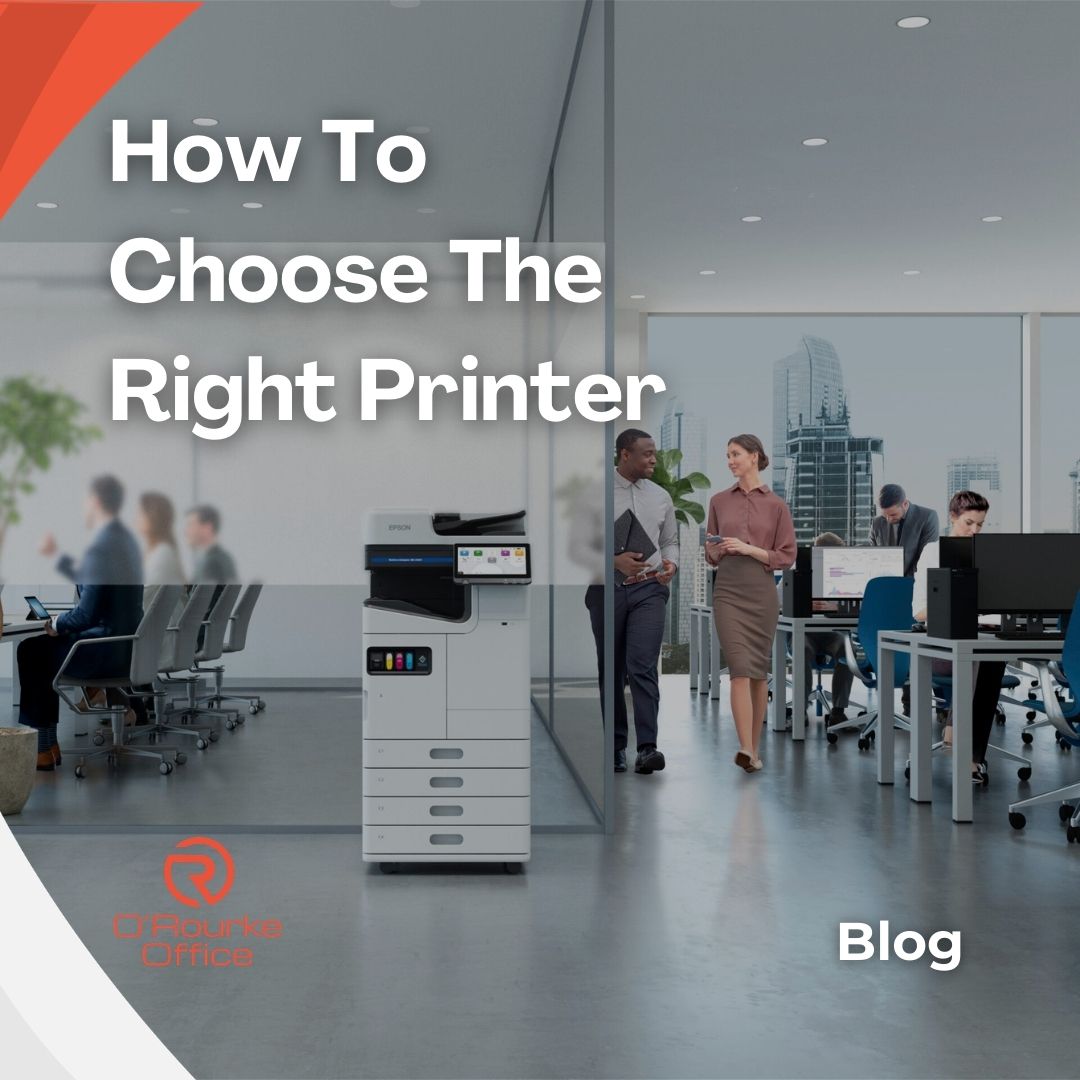
How To Choose The Right Printer For You
Choosing a printer shouldn’t require a degree in IT. For most schools and businesses, the “right” device comes down to what you print, how often you print it, and how much you want to spend over the life of the machine — not just on the day you buy it.
According to Which? (2025), low‑volume users often save more with inkjet printers, while organisations printing daily benefit from laser devices due to their speed and efficiency.
In this week’s guide, we’re breaking down the different types of printers available today and helping you figure out which one actually suits your school or office.
1. Start by Evaluating Your Real‑World Needs
Before comparing brands or prices, take a moment to map out how your team actually prints. A busy accounts department printing invoices all day has very different needs to a home office printing tickets or presentations.
Ask your team:
- Are most pages black and white, or do you regularly need colour and photos?
- Do you print a handful of pages a week, or dozens a day?
- Do you scan and copy documents often, or only occasionally?
- Will the printer be shared, or used by one person?
Once you’re clear on this, the big decision between inkjet and laser becomes much easier. Light‑use home or hybrid workers usually prioritise compact size and versatility, while shared offices care more about speed, durability, and running costs.
2. Inkjet vs Laser Printers
Inkjet Printers
Inkjet printers use liquid ink and excel at colour documents and photos. They’re typically compact and affordable upfront, making them ideal for homes and small offices printing lesson plans, colourful presentations, or occasional photos.
Pros:
- Great colour and photo quality
- Lower upfront cost
- Compact designs
Cons:
- Slower print speeds
- Higher running costs per page
- Ink can dry out if unused for long periods
Laser Printers
Laser printers use toner powder and heat to produce fast, sharp text. They’re built for higher‑volume printing with lower cost per page over time.
Pros:
- Fast printing
- Excellent text quality
- Lower long‑term running costs
- Toner doesn’t dry out
Cons:
- Higher upfront cost
- Bulkier designs
3. Key Features to Consider
Multifunction (Print/Scan/Copy)
All‑in‑one models save space and are ideal for offices that regularly scan receipts, IDs, contracts, or forms.
Print Speed
Measured in pages per minute (ppm). Laser printers typically outperform inkjets, which matters in shared environments.
Paper Handling
Look for:
- Automatic duplex (double‑sided) printing
- A decent‑sized input tray
- An automatic document feeder (ADF) for scanning multi‑page documents
Connectivity
Most modern printers include Wi‑Fi, mobile printing, and sometimes Ethernet for more stable office connections.
Running Costs
The real cost of a printer is in its ink or toner. Check:
- Page yield
- Cost per page
- Availability of high‑yield or refillable options
Matching the printer’s recommended monthly duty cycle to your actual usage prevents overworking a home‑grade machine in a busy office.
4. Why Cheap Isn’t Always Best
The cheapest printer on the shelf can become the most expensive to run. Low‑cost devices often rely on small cartridges that need frequent replacement, costing several times more than the printer over a couple of years.
Business‑class printers and refillable ink tank models cost more upfront but offer:
- Higher‑yield supplies
- Lower cost per page
- Better durability
- Fewer interruptions
For many Irish schools and businesses, the sweet spot is a mid‑range multifunction laser or ink tank printer that balances purchase price with long‑term running costs.
The Bottom Line
Choosing the right printer is about matching the device to the real demands of your school or business. When you look beyond the sticker price and focus on print volume, running costs, and day‑to‑day reliability, the best option usually becomes clear.
A well‑chosen printer should make work easier, not add to it — saving time, reducing frustration, and keeping your team moving without constant interruptions.
Visit Us In‑Store
Main Street, Cavan & Ballinamore, Co. Leitrim
Call: (049) 433 1444 / 071 964 4251
Email: info/sales@orourkeoffice.ie
Website: https://orourkeoffice.ie/
Shop Online: https://online.orourkeoffice.ie/home
📬 Stay Updated with O’Rourke Office Supplies
Subscribe to our newsletter for weekly tips, offers, and industry insights:
Once you subscribe, new editions will appear in your email and you’ll also get a notification!